
Website Visitor Identification for B2C and B2B
About 98% of the people who visit your website leave without filling out a form. Site Squirrel tells you who they are, whether they're shoppers or business buyers, so you can grow your email list, follow up before they buy somewhere else, and look up the decision-makers you still need to reach.
See it in action.
Click through the dashboard the way you would on day one: who visited, what they looked at and who to call first.
Prefer a live walkthrough? Book a demo or start your free trial.
Catch the one that got away
You spent time with a prospect, they went quiet, and then they came back to your website without telling you. Site Squirrel spots them the moment they return and sends you an alert, so your sales team can follow up while the interest is real.
It works for both sides of your business: people shopping as consumers, and employees researching on behalf of their company.
Three ways to use Site Squirrel
Use one, or use all three together.
Identify your website visitors
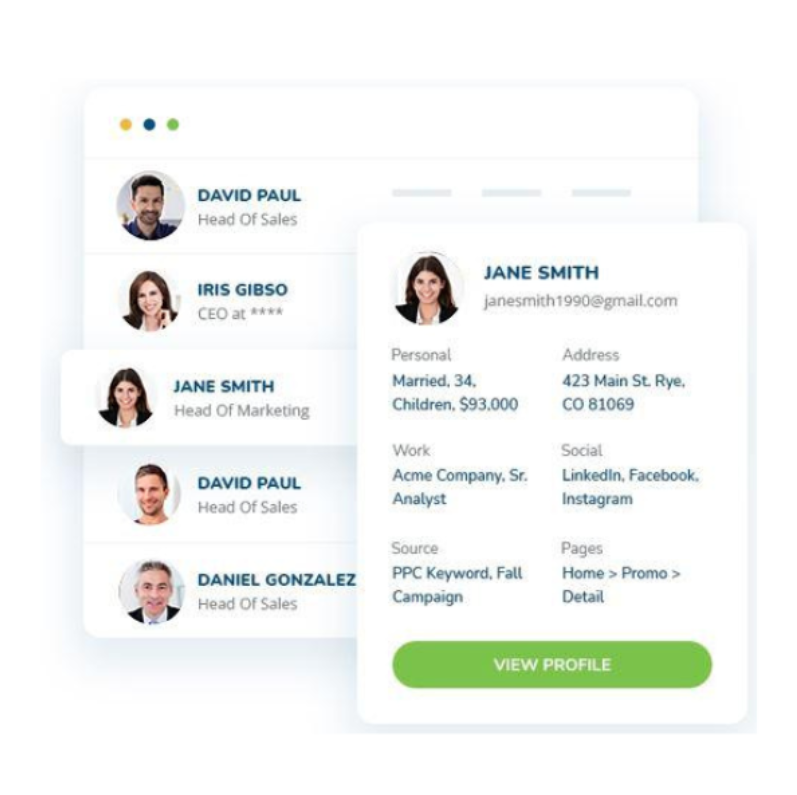
See the shoppers and business buyers on your site by name, with email, the pages they viewed and about 40 data points. New visitors go straight to your email list.
Look up B2B contacts
Search a database of more than 980 million company and contact records by job title, company and location. Get emails, phone numbers and firmographics, the way you would in ZoomInfo or Apollo.
Reach companies showing intent
Get a list of companies researching your keywords across the web, before they start talking to vendors. Then look up the right people inside those companies and reach them first.
Turn anonymous shoppers into customers
For consumer businesses, Site Squirrel identifies the individual people browsing your site, with their consent, and adds them straight to your marketing. You can add up to 40% of your recent U.S. visitors to your email list by name and email, without them filling out a form.
- Contact details: name, validated email and mailing address
- Profile data: 37 more data points, such as employment, estimated income, home ownership and interests
- Browsing behavior: the pages they viewed, how long they stayed and how they found you
- Automatic email list growth: new visitors flow into Mailchimp, Klaviyo, Constant Contact and other email platforms
- Behavior-based follow-up: trigger an email when someone views a key page or spends time on a product
- Person-level advertising: reach identified visitors by email, direct mail and social and search ads
Know the person, not just the company
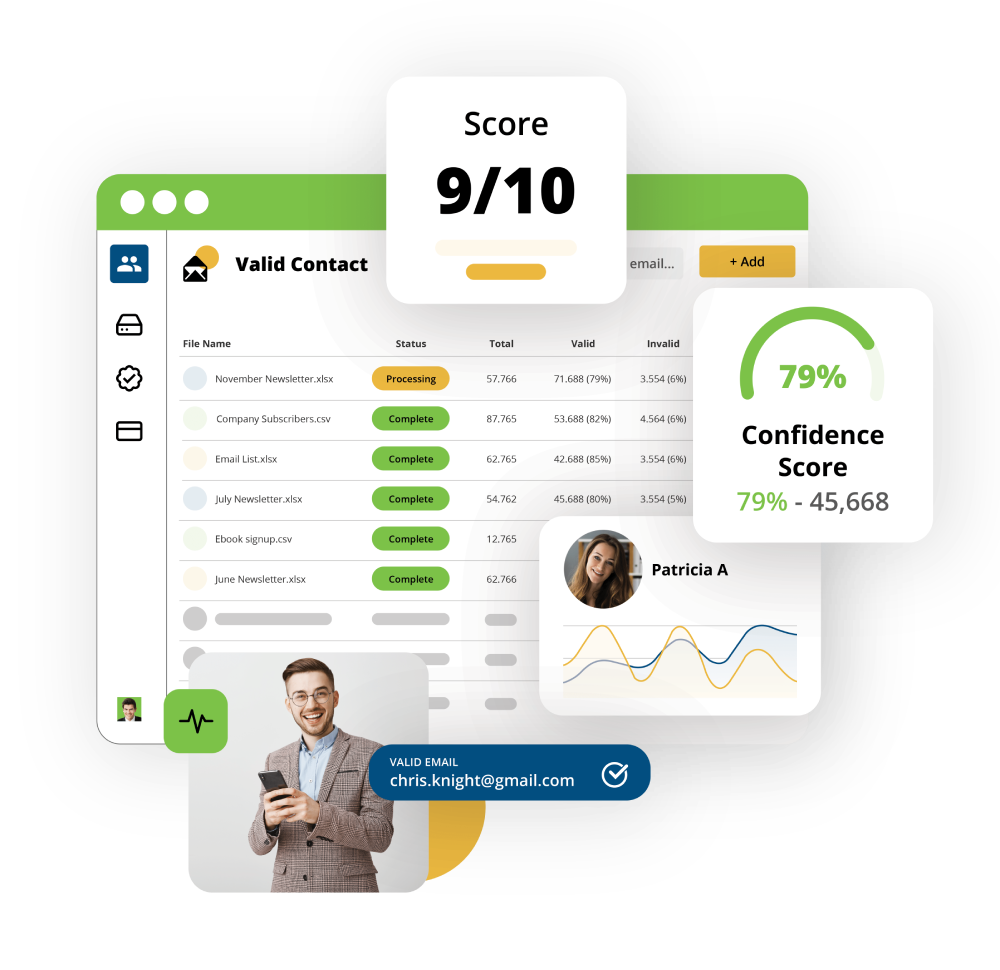
Most visitor tools stop at the company name. Site Squirrel identifies the employee who visited, then fills in the rest so your team can make a real connection.
- Contact details: name, work and alternate email, and phone number
- Role: job title, job function and skill sets
- Company: address and firmographics
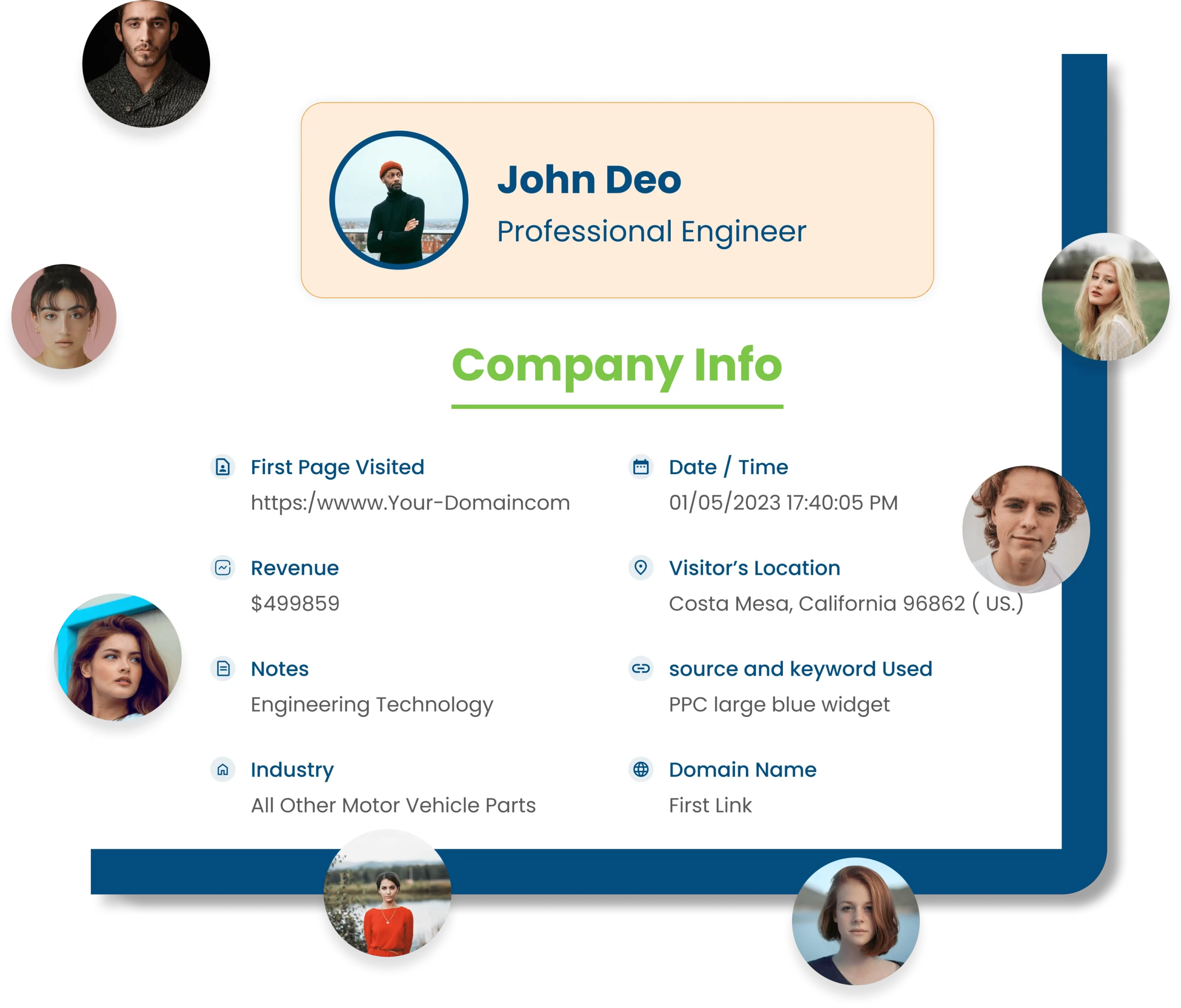
- Activity: pages viewed, number of visits and a lead score based on website behavior
- Filters: segment leads by behavior or firmographics before they reach your CRM
Find buyers before they find your competitors
Your best prospects are researching right now. Intent data shows you who they are, so your team spends time on active shoppers instead of cold lists.
You choose keywords
Your products, services, market terms and competitors.
We crawl the web
Site visits, social activity, ad clicks, webinars, downloads and third-party data.
We score the data
Signals are enriched and scored so the strongest rise to the top.
You get a list
Companies that are shopping, starting to shop, or showing new interest in your keywords.
You reach the right people
Look up decision-makers at those companies and contact them first.
What you can do with your visitor data
Build cold calling lists
Stop buying outdated lists. Build your own from people who have already shown interest.
Get real-time alerts
Get an email the moment a new or returning visitor lands on your site. You set the rules.
Track every lead
Salespeople see when their leads come back, whether or not they ever filled out a form.
Send an offer
Follow up quickly with a coupon, white paper or case study while the visit is fresh.
Run direct mail and ads
Use verified names and addresses for direct mail, and reach visitors with person-level ads on social and search.
Connect your tools
Send leads to HubSpot, Salesforce, Mailchimp, Slack, Google Sheets and more than 1,000 other apps through Zapier, WordPress or webhooks.
Do more with the people you identify
Add these Site Squirrel products to turn visitor and intent data into follow-up and advertising.
AI Sales Rep
Every engaged visitor gets a personalized email based on the pages they viewed. It keeps the conversation going and sends interested replies to your sales team.
- Scores engagement on your buying pages
- Handles replies, including out-of-office and negative responses
- Net new only: skips existing customers and known contacts
Person-Level Intent Data Ads
Run Meta and Google ads to the real people researching what you sell, not just keywords or broad interests. Audiences are built from clickstream intent data that updates daily.
- Target people, not keywords: based on verified online behavior
- Local targeting: filter by city, zip code or region
- B2C and B2B: audiences synced to Meta and Google for you